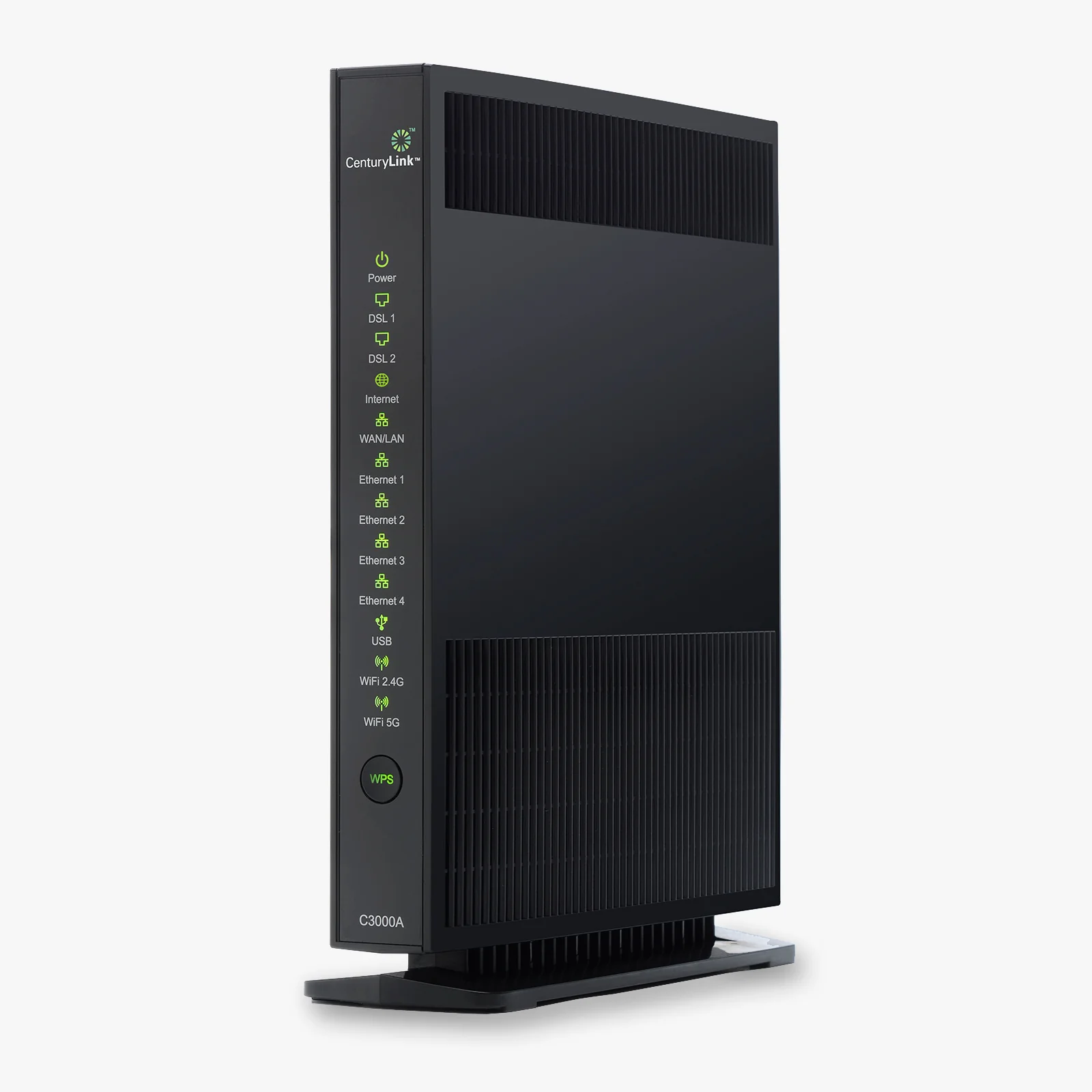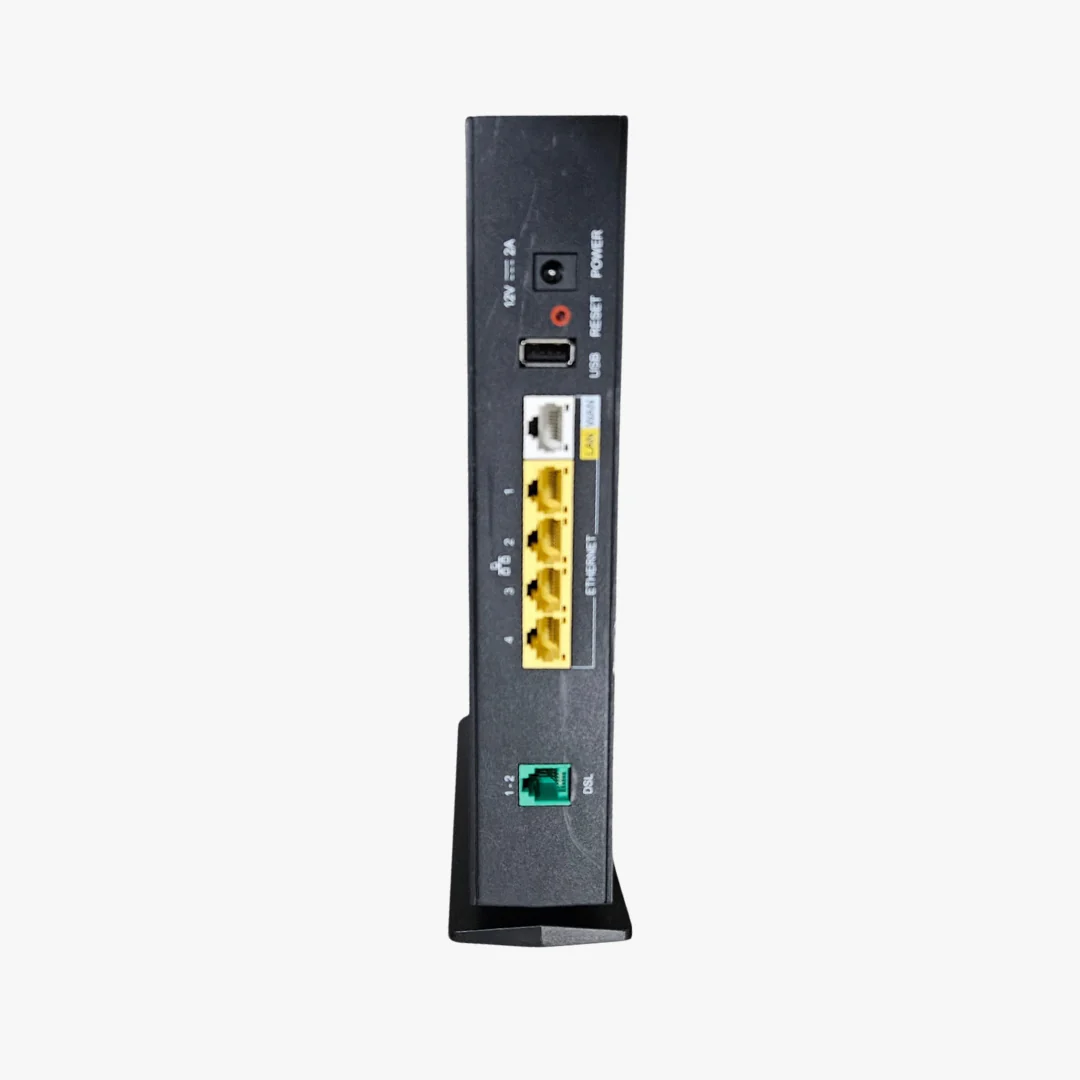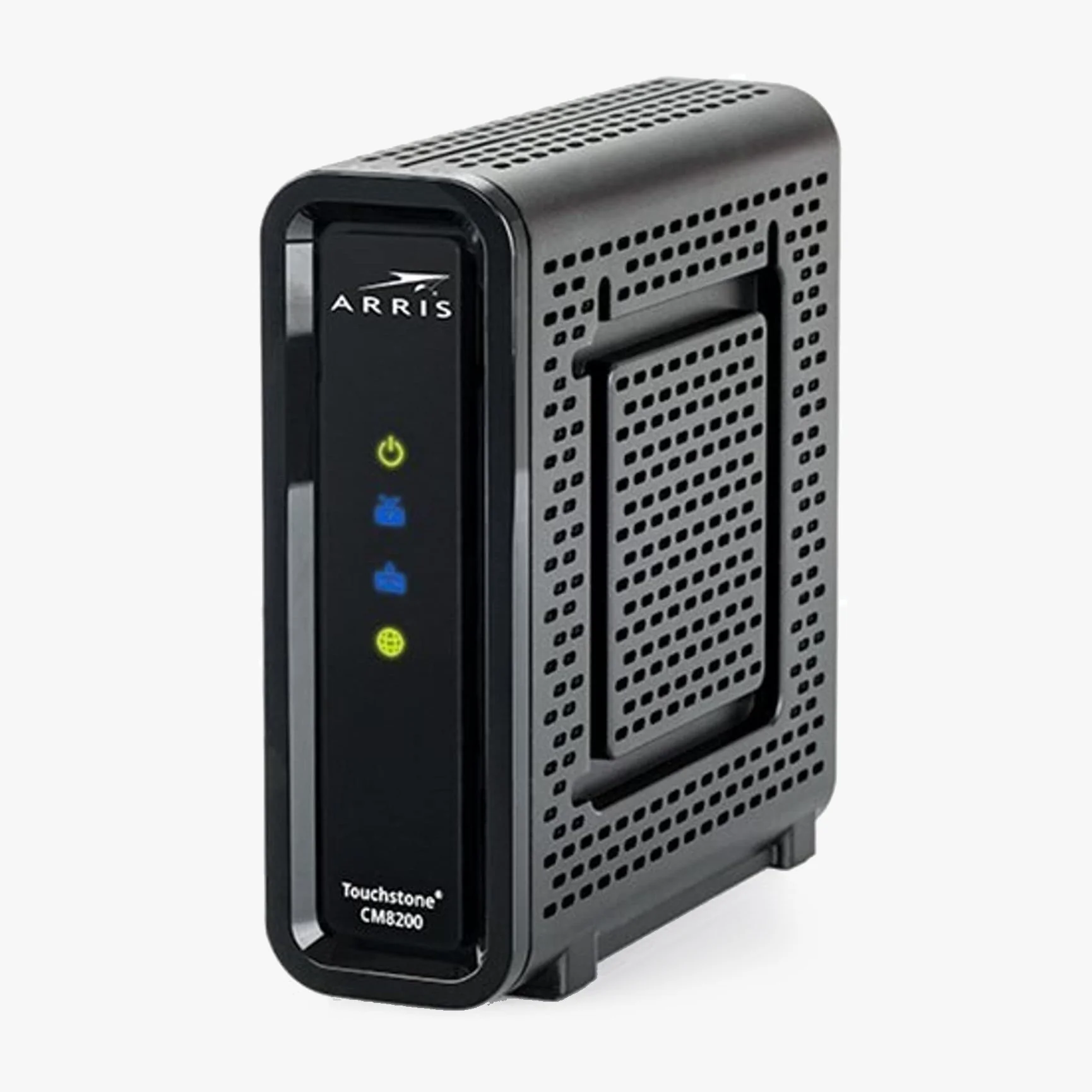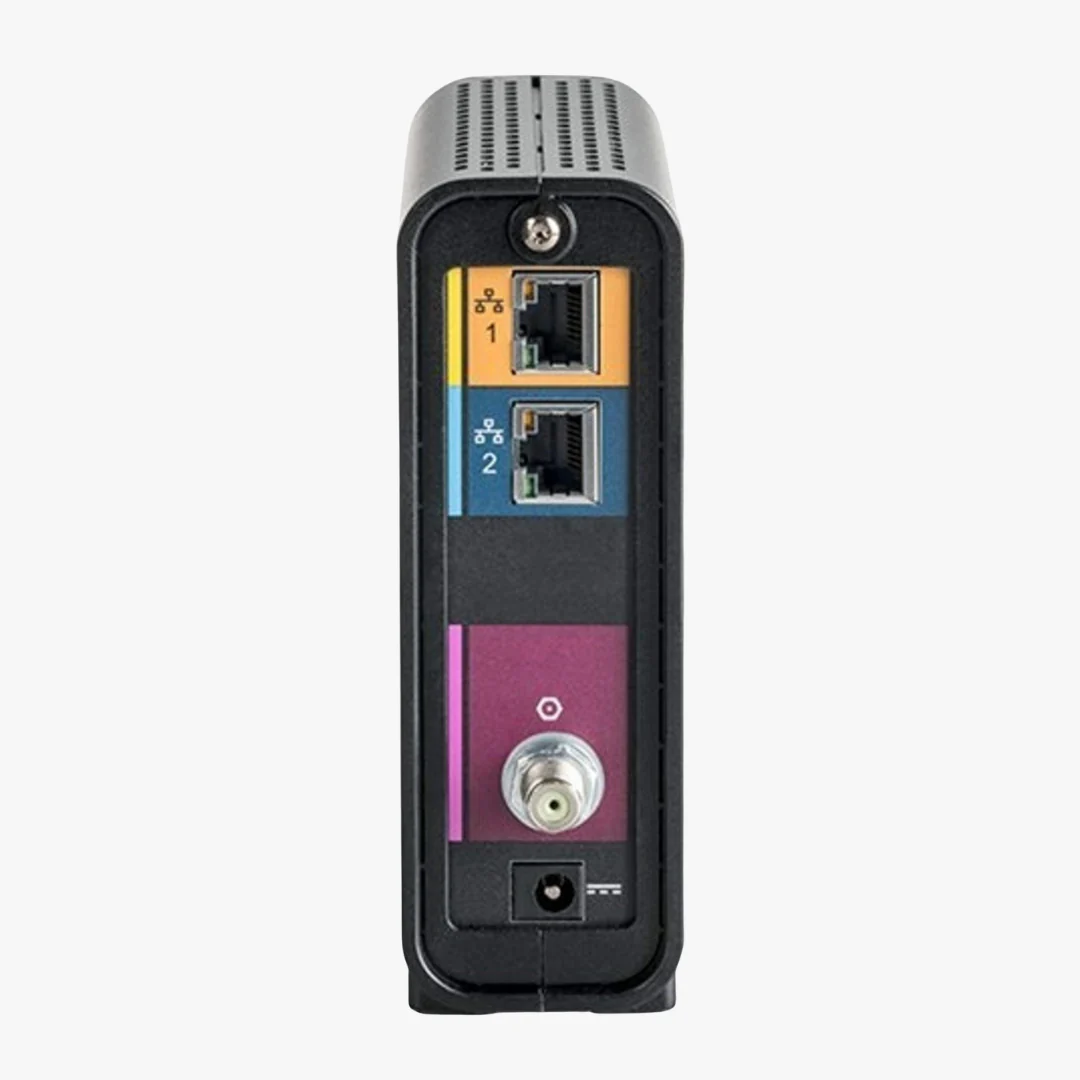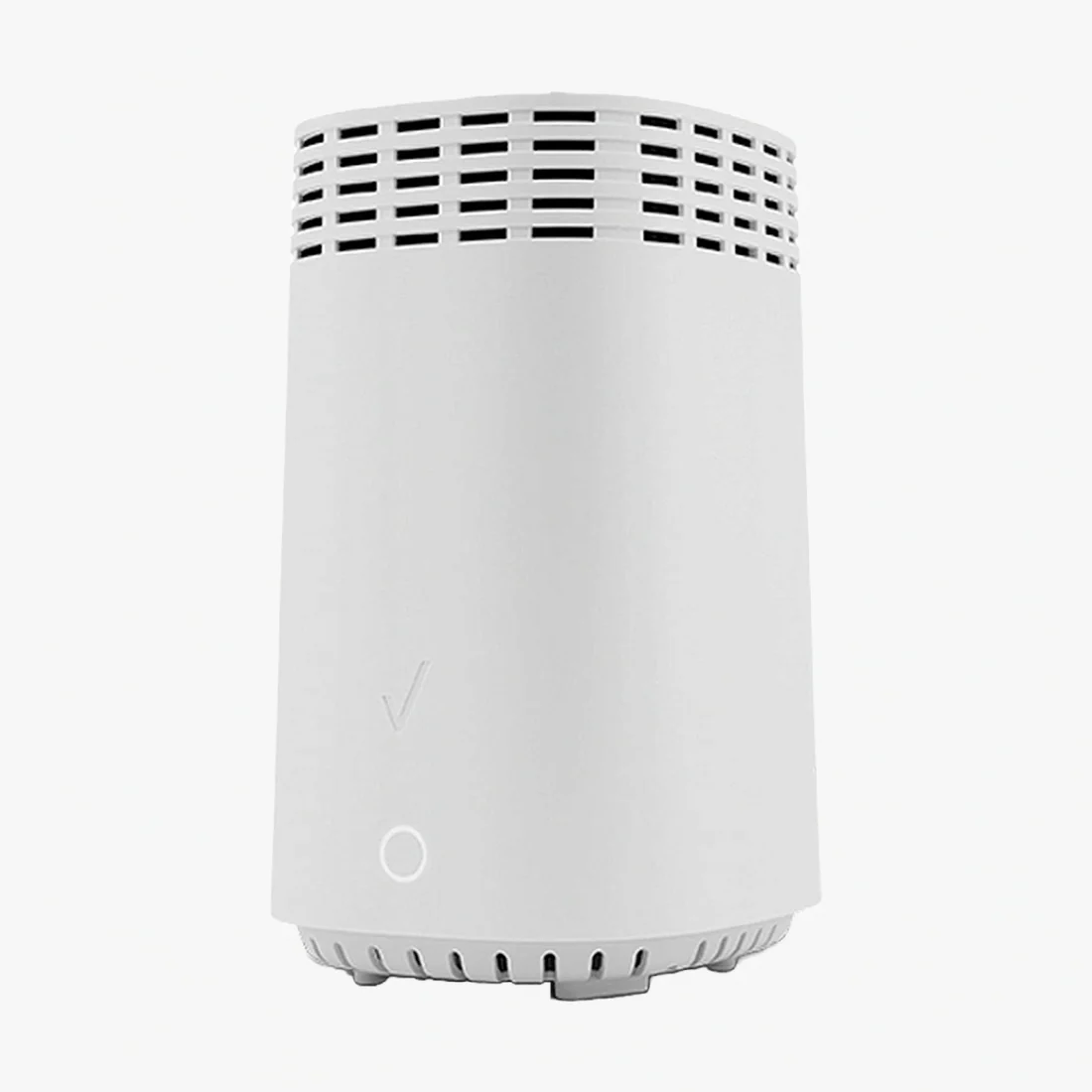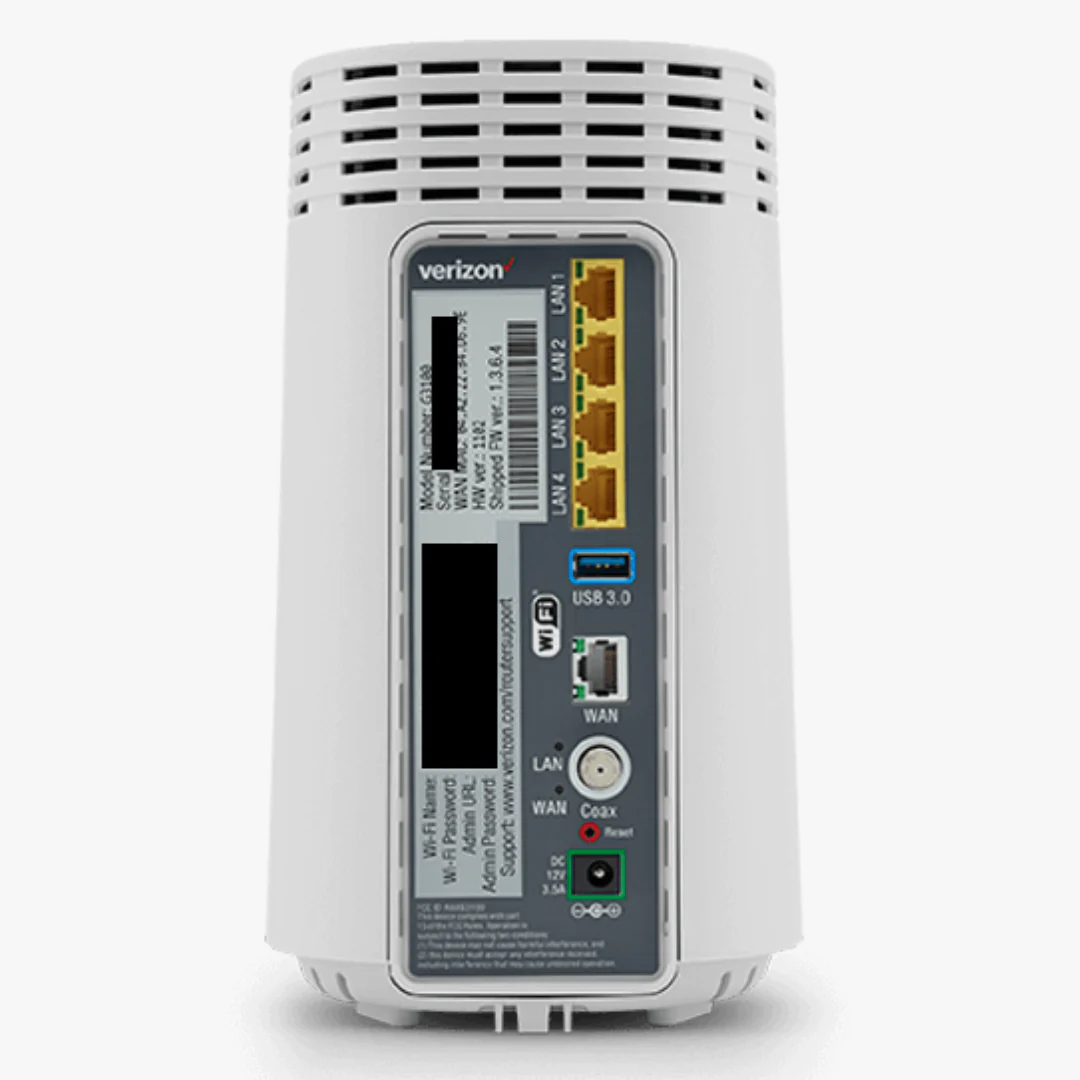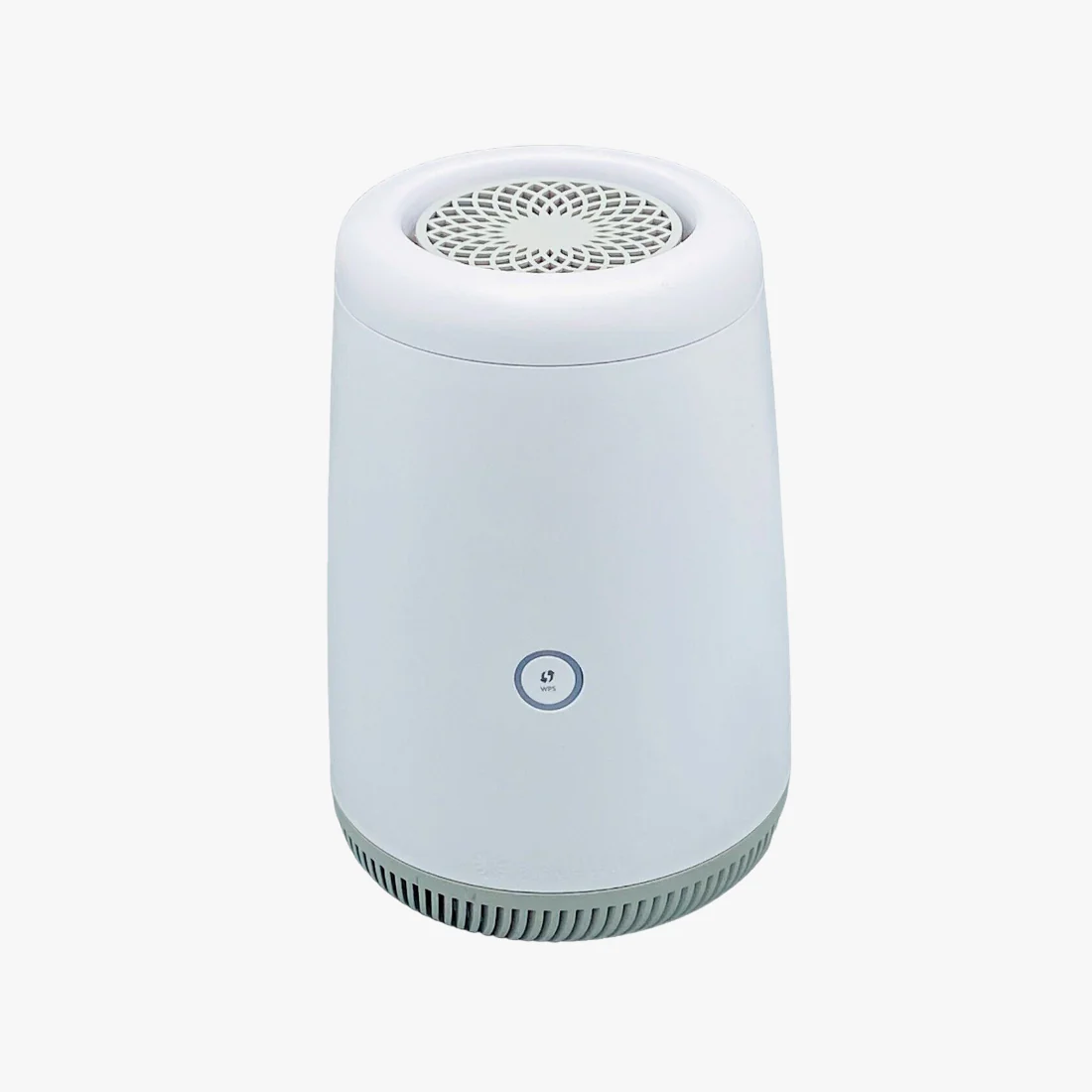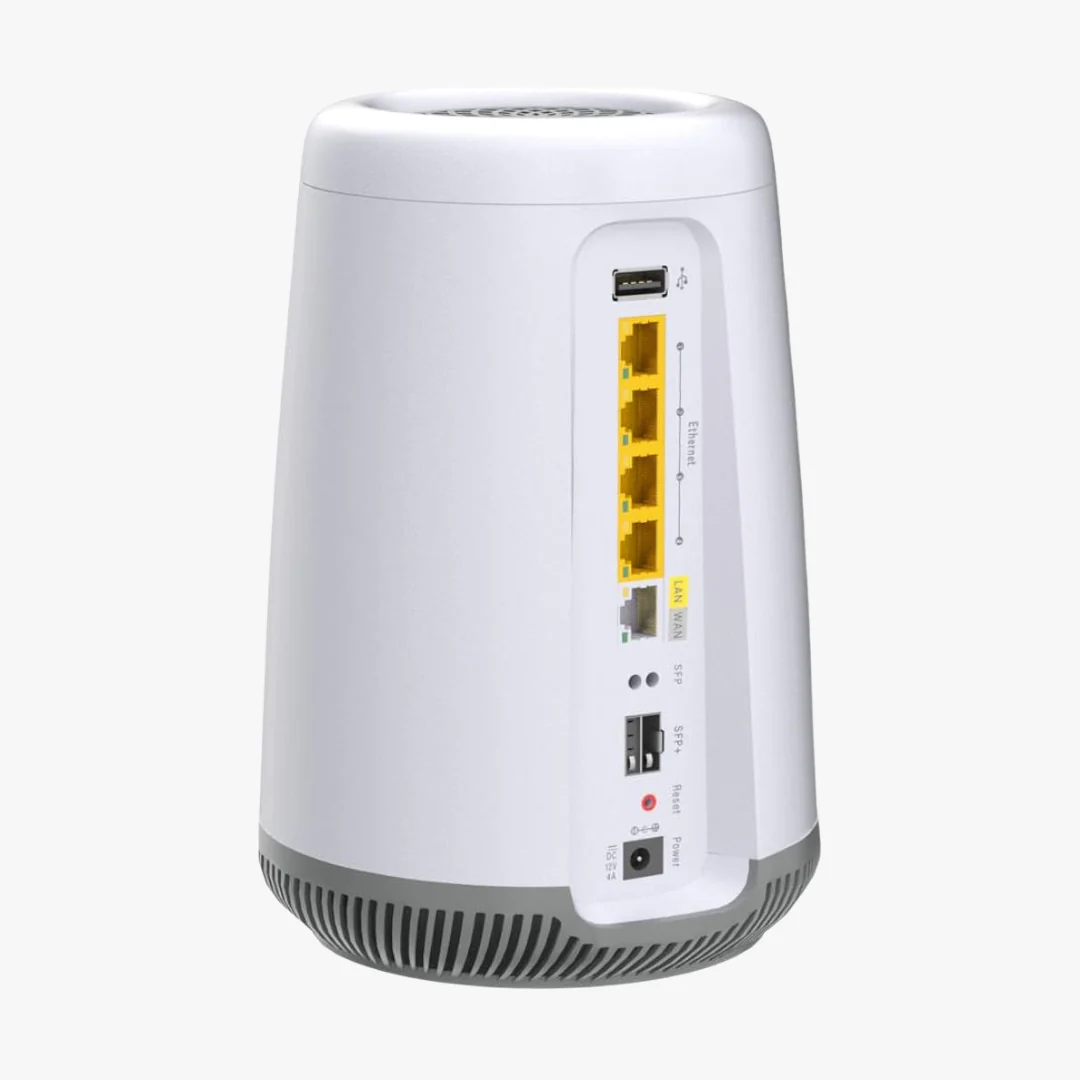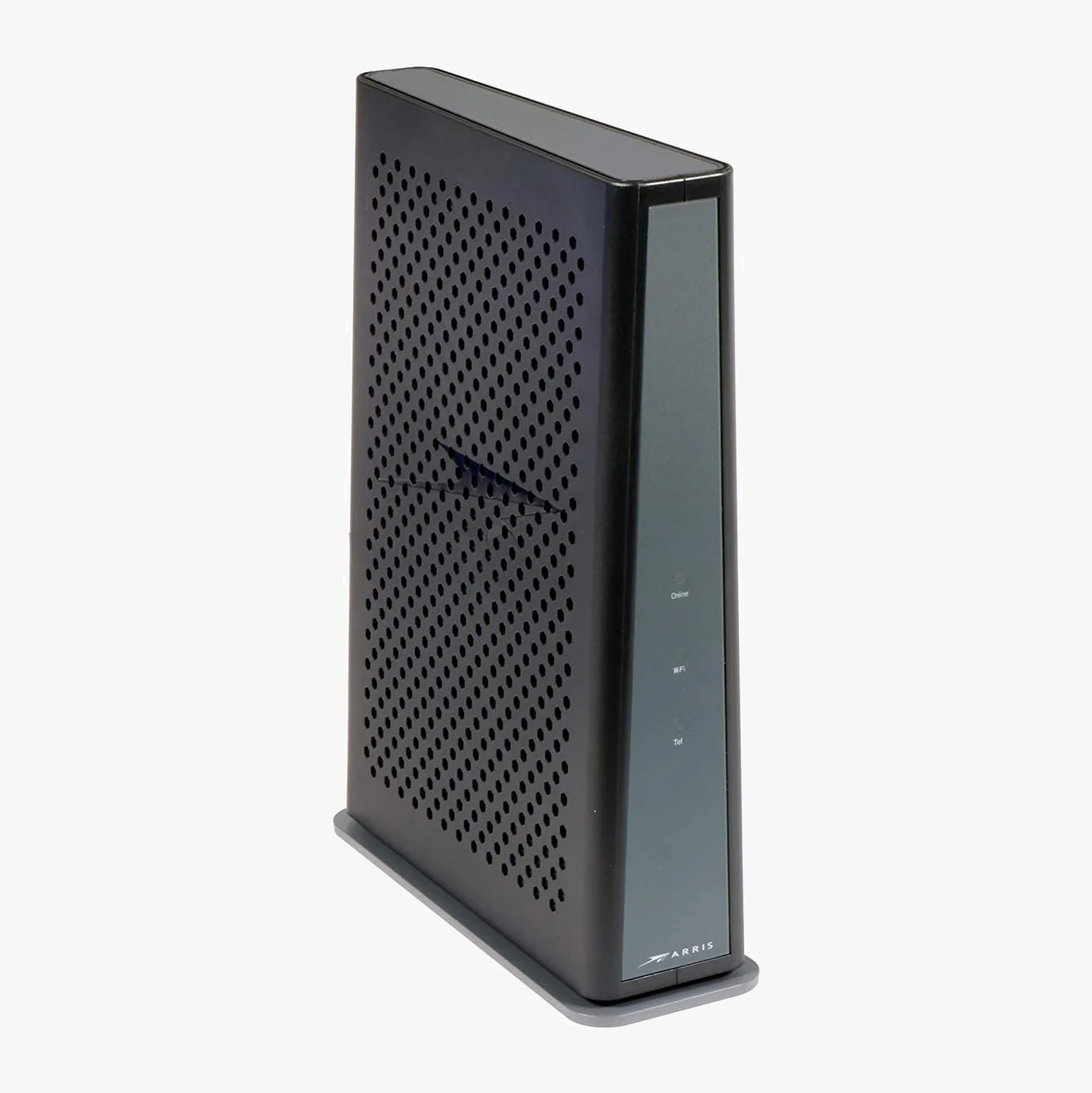
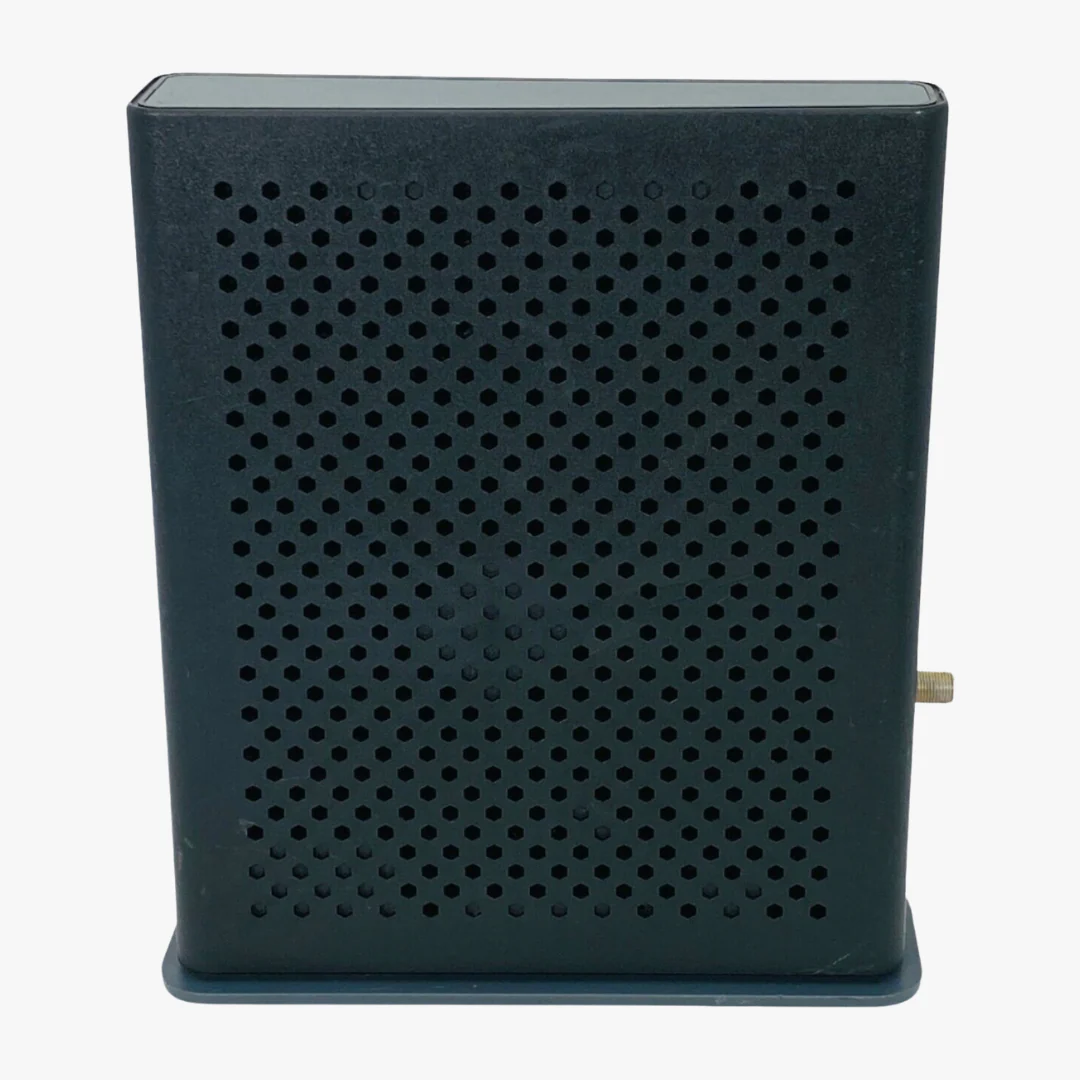
ARRIS DG3450 DOCSIS 3.1 Modem Router Combo | Xfinity, Cox, Spectrum
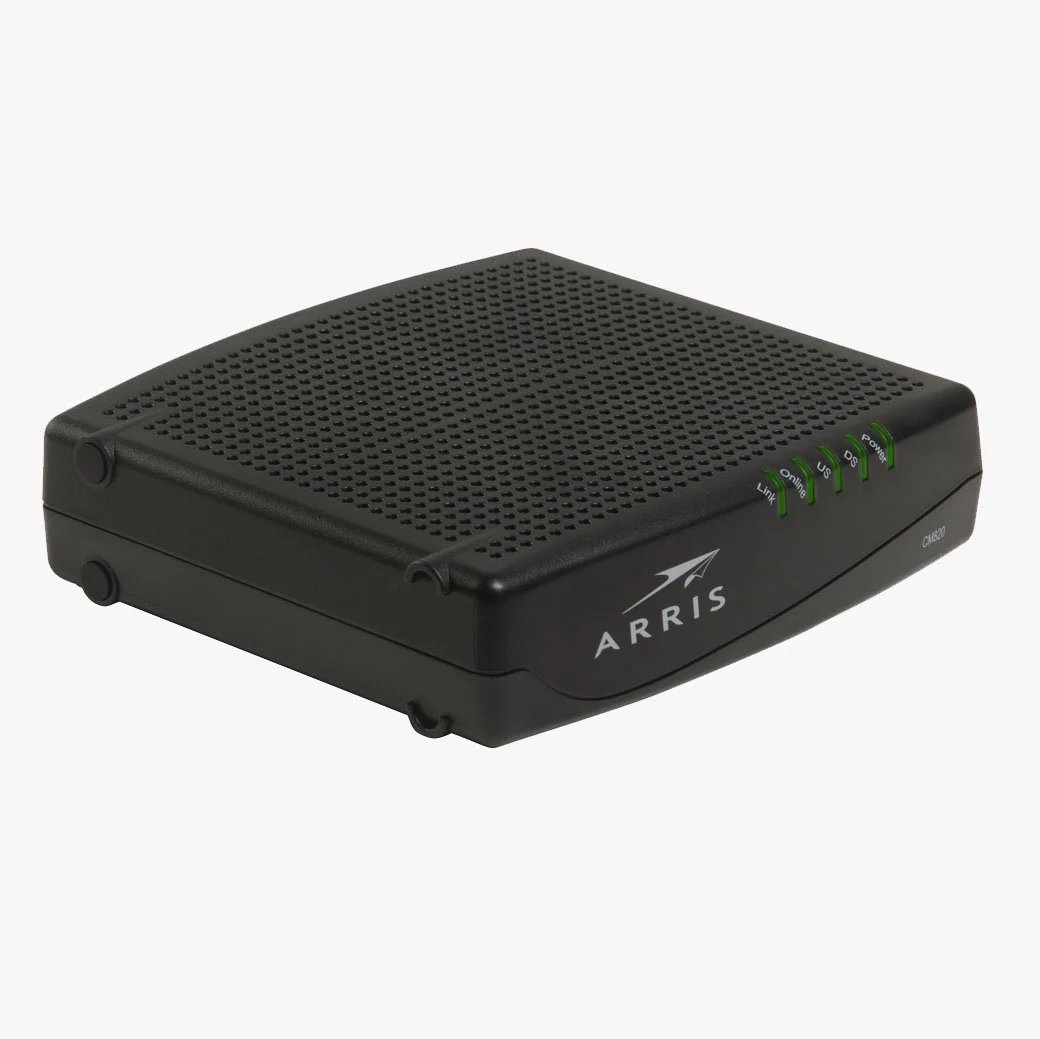
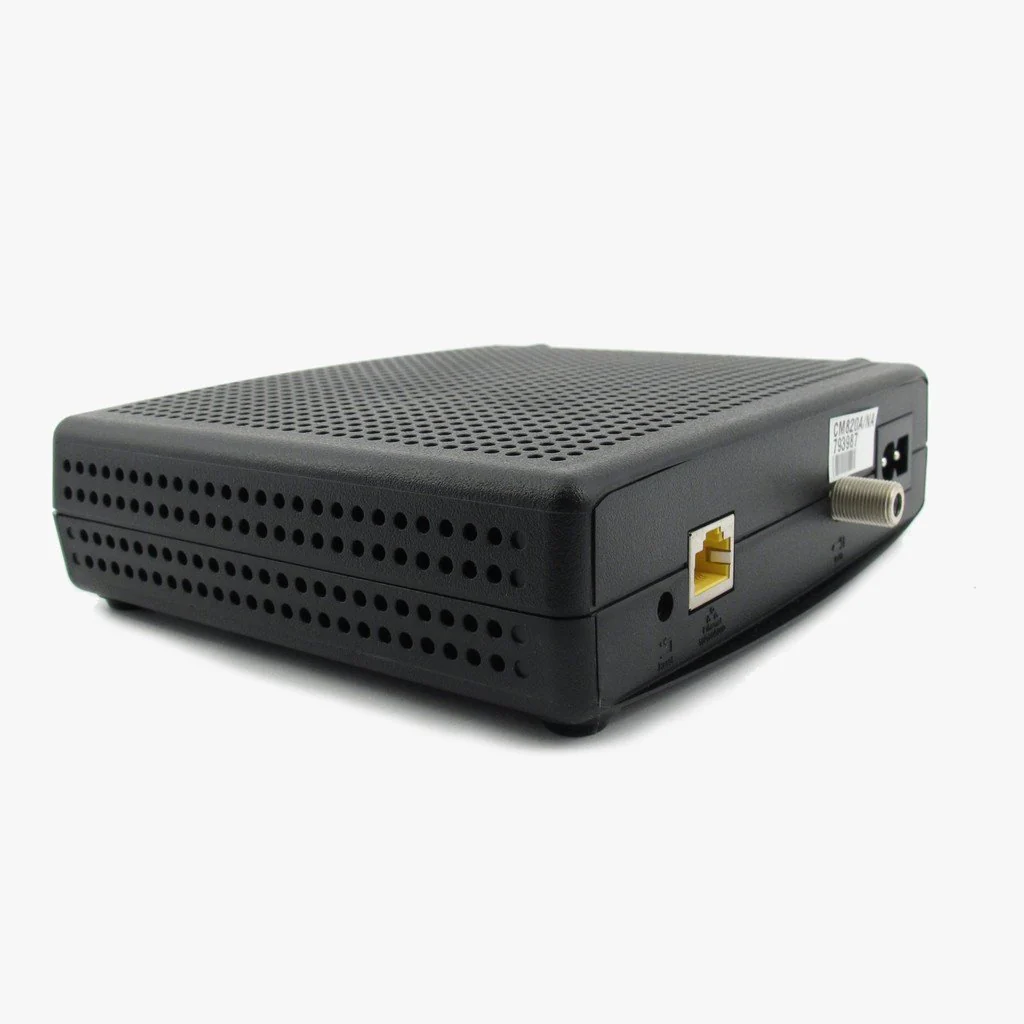
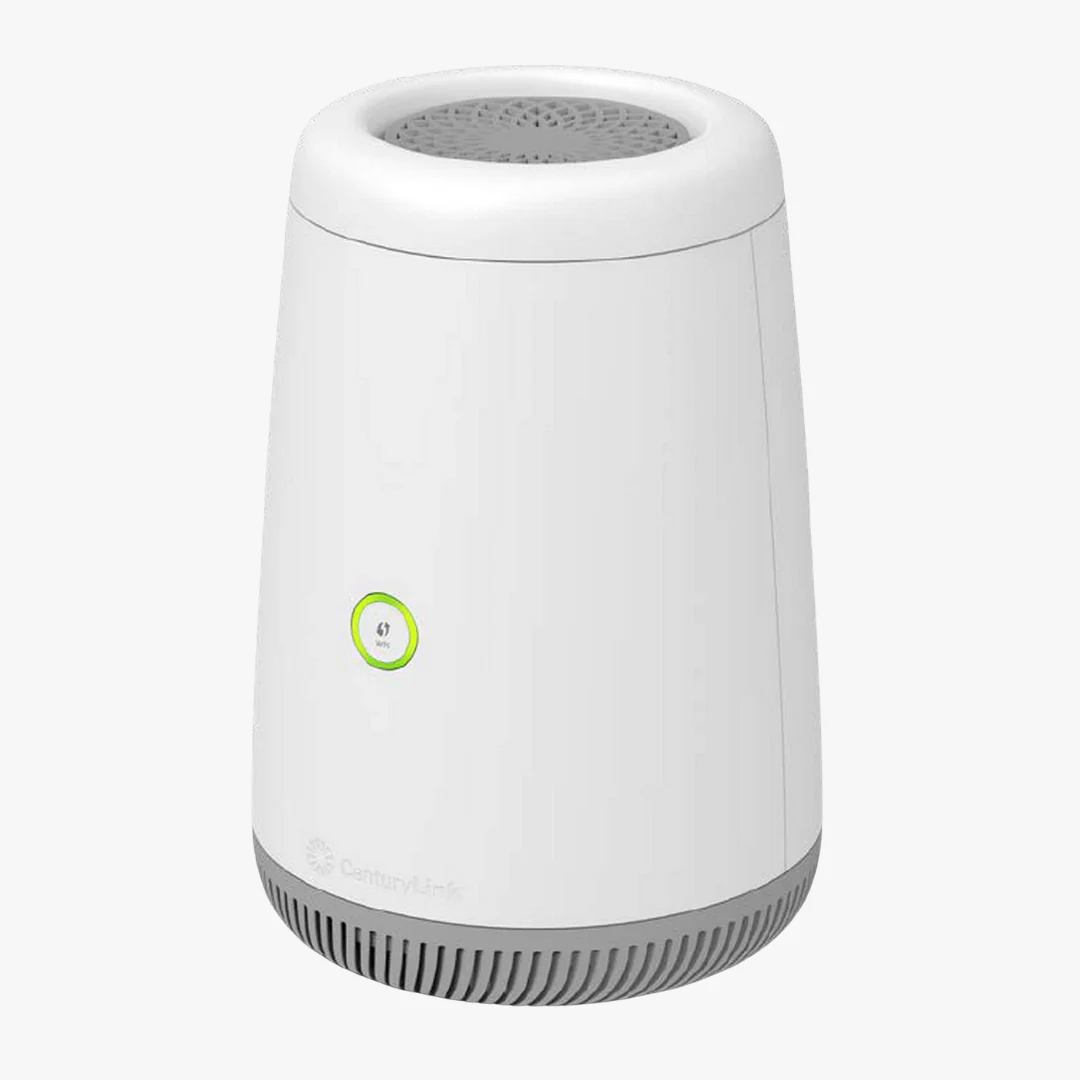
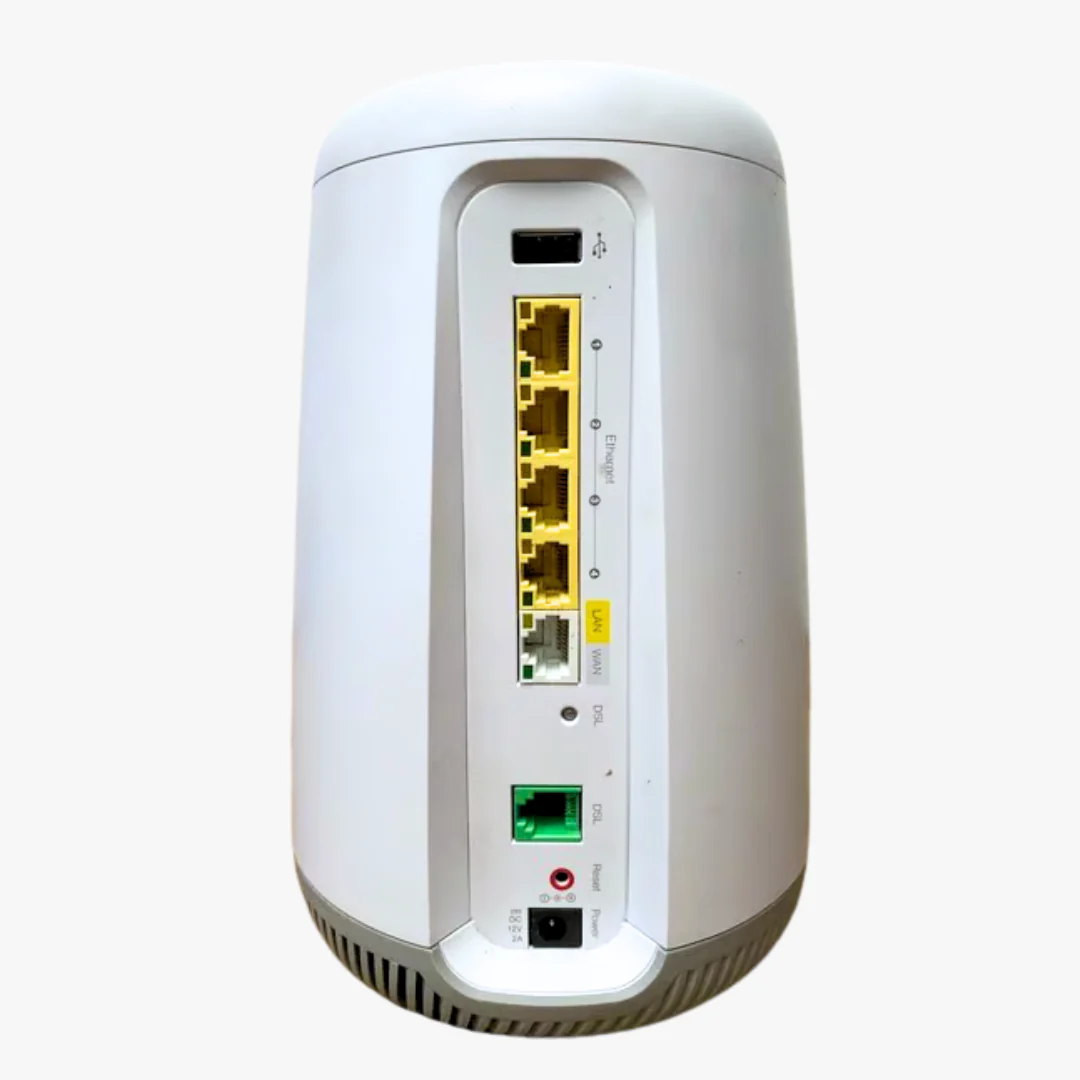
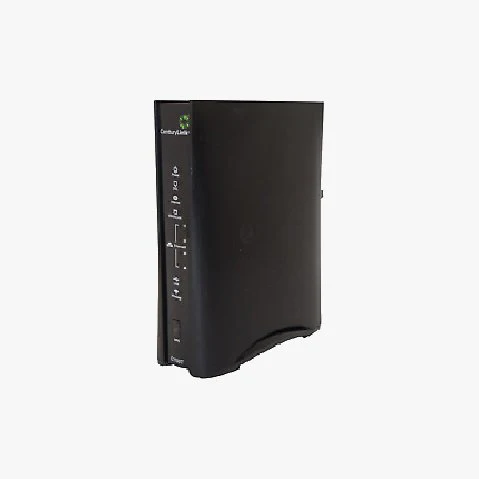
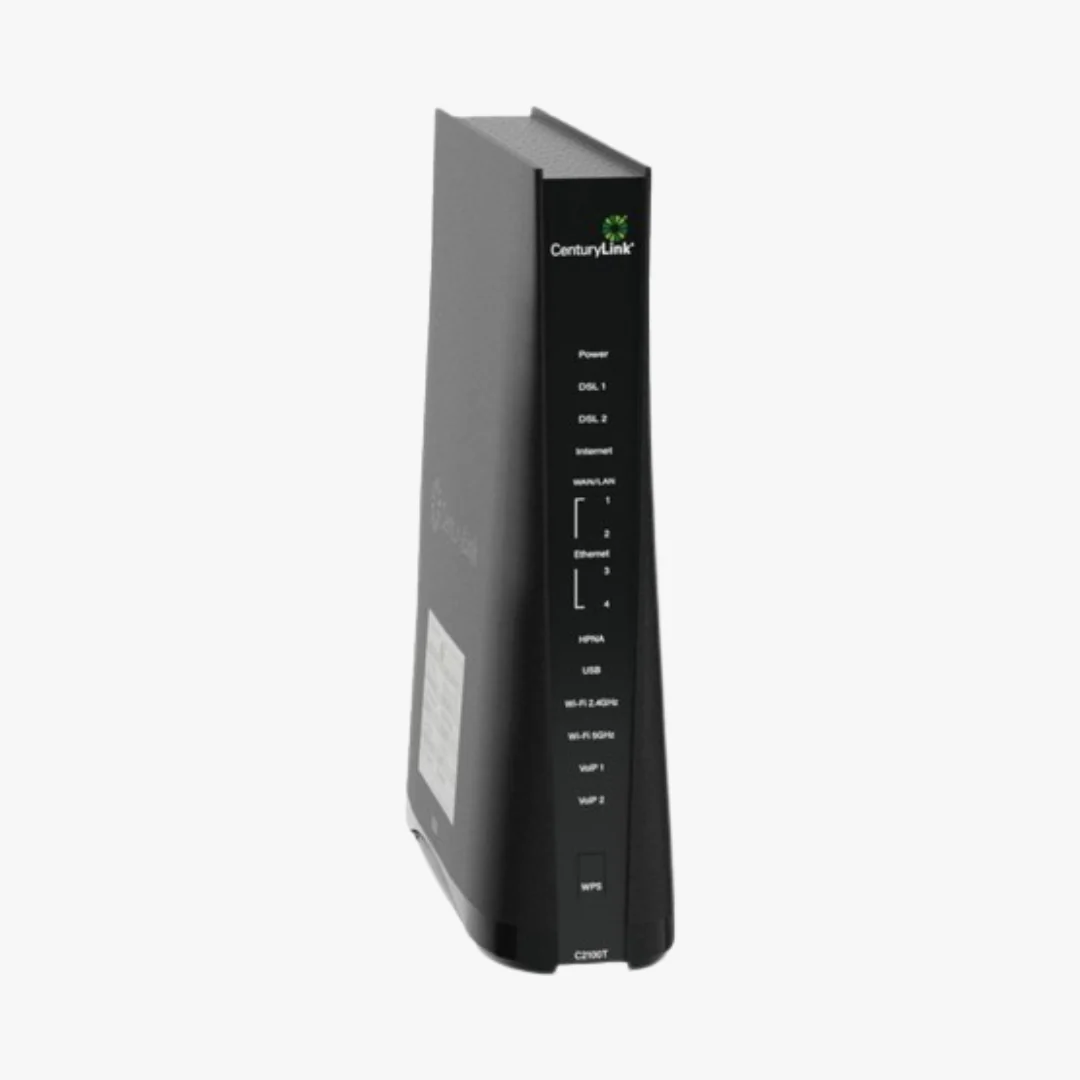
The renewed ARRIS DG3450 is a DOCSIS 3.1 cable modem router combo built for gigabit internet, heavy streaming, and busy multi-device homes. This single all-in-one gateway replaces both your modem and your Wi-Fi router, with MoCA 2.0 support for stable whole-home coax networking. Tested, restored, and shipped fast from US warehouses, backed by our 90-day full coverage warranty.
Key Takeaways
- DOCSIS 3.1 gigabit-capable all-in-one modem and Wi-Fi router, backward-compatible with DOCSIS 3.0.
- Compatible with Xfinity, Cox, and Spectrum cable internet (confirm with your ISP's approved device list).
- Renewed and tested, covered by a 90-day full coverage warranty and USA-based customer service.
Is the ARRIS DG3450 Compatible with My Internet Provider?
The ARRIS DG3450 is approved on most major cable internet providers, including Xfinity (Comcast), Cox Communications, and Spectrum. Because it supports both DOCSIS 3.1 and DOCSIS 3.0, it works on standard and gigabit cable plans alike.
The DG3450 does not work with DSL, fiber (Verizon Fios, AT&T Fiber, Google Fiber), or fixed wireless internet. Before activating, always confirm your model is listed on your provider's approved device page and matches your speed tier.
ARRIS DG3450 Specs at a Glance
| DOCSIS Version | DOCSIS 3.1 (backward-compatible with 3.0) |
| Max Speed | Gigabit-capable (1 Gbps+, depending on plan) |
| Channel Bonding | OFDM/OFDMA (3.1) plus 32x8 SC-QAM (3.0) |
| Wi-Fi | Dual-band 2.4 GHz and 5 GHz, 802.11ac Wave 2 |
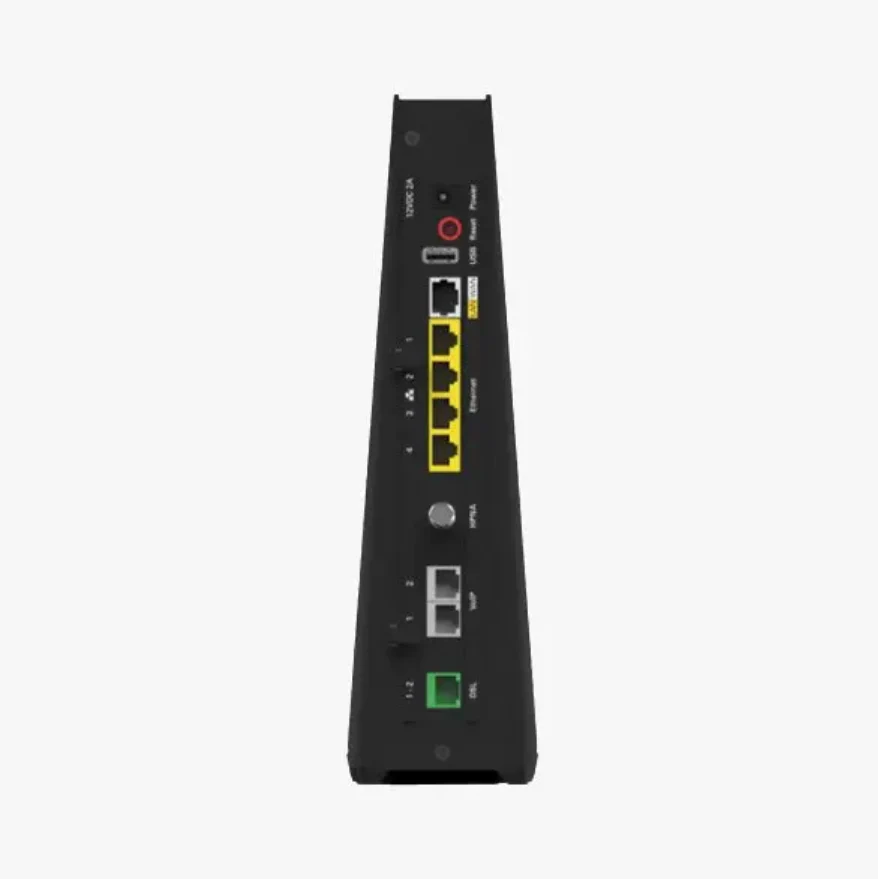
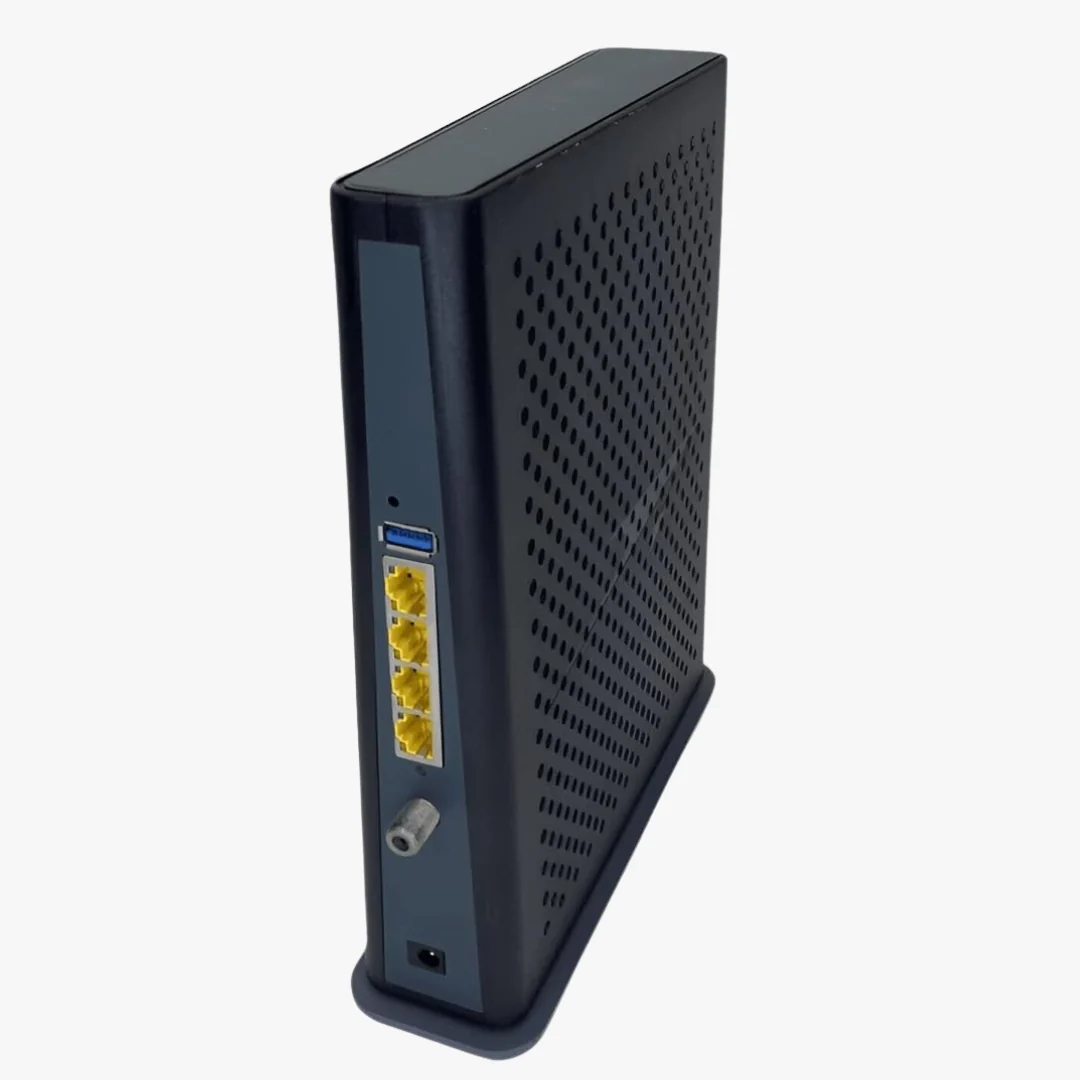
| Ethernet Ports | 4x Gigabit Ethernet LAN |
| MoCA | MoCA 2.0 (coax backhaul, adapters sold separately) |
| Security | WPA2/WPA3, SPI firewall, NAT |
| Best For Plans | Up to 1 Gbps cable internet |
| Dimensions | Approx. 9.3 x 2.9 x 8.0 in |
What's in the Box
- ARRIS DG3450 cable modem router combo (Renewed)
- Power adapter
- Ethernet cable
- Quick start guide
Coaxial cable, MoCA adapters, and splitters are not included and are typically supplied by your ISP or sold separately.
How to Set Up the ARRIS DG3450
- Connect the DG3450 to your active cable wall outlet using a coaxial cable.
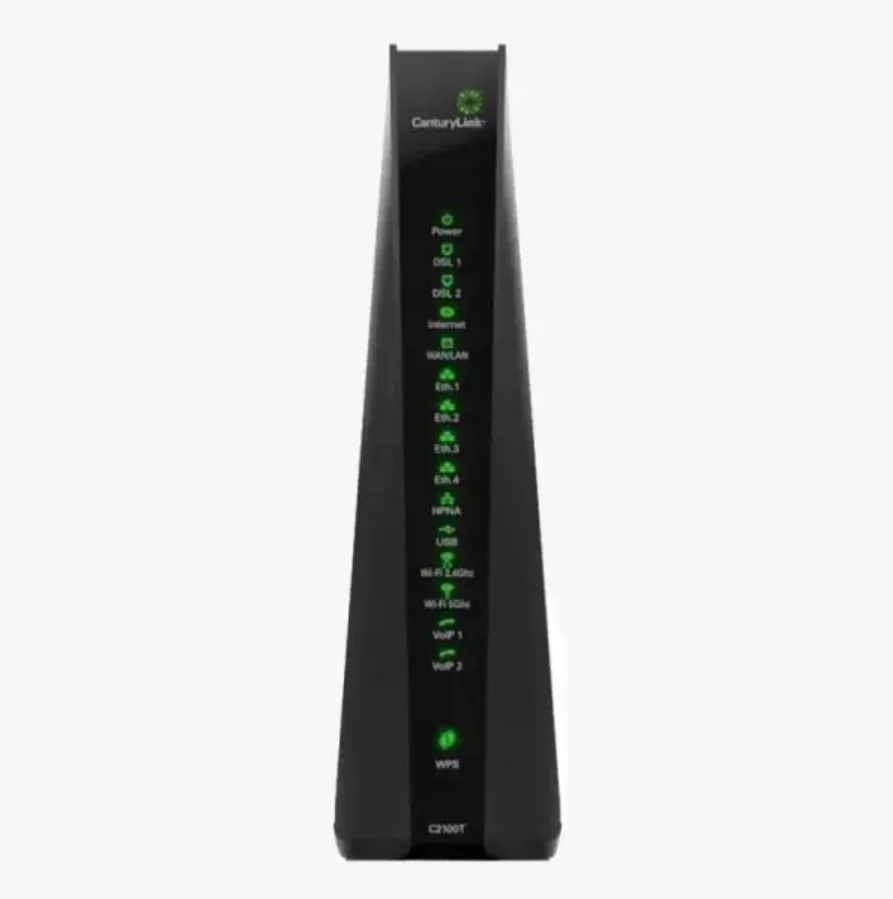
- Plug in the power adapter and wait for the front lights to stabilize (about 5 to 10 minutes on first boot).
- Connect a computer or phone to the default Wi-Fi network printed on the device label, or plug into a LAN port with the included Ethernet cable.
- Call your internet provider or use their self-activation portal to register the modem's MAC address.
- Once activation completes, sign in to the gateway's admin page to customize your Wi-Fi name and password.
Why Buy the ARRIS DG3450 from ModemGuides
- 90-day full coverage warranty on every modem we sell, including this renewed DG3450.
- USA-based customer service and tech support staffed by people who actually know networking gear, not a generic call center.
- Fast shipping from US warehouses across the country, so most orders arrive in 1 to 3 business days with minimal handling time.
- Curated, ISP-compatible inventory — we only stock modems and routers that are approved on real cable plans, with clear compatibility notes on every listing.
- Setup and troubleshooting guides available across ModemGuides.com to help you get online without the runaround.
- Small US business that puts customer experience first, with real humans answering your questions.
ARRIS DG3450 Frequently Asked Questions
Will the ARRIS DG3450 work with Xfinity gigabit plans?
Yes. The DG3450 is DOCSIS 3.1 and supports Xfinity gigabit plans where it appears on Xfinity's approved modem list. It also works on lower-speed Xfinity tiers thanks to DOCSIS 3.0 backward compatibility.
Is the ARRIS DG3450 a modem and a router?
Yes. The DG3450 is a modem router combo, also called a gateway. It includes a built-in dual-band Wi-Fi router, so you do not need a separate router unless you want to add a mesh system or use your own preferred router.
Can I use my own router with the DG3450?
Yes. You can disable the built-in Wi-Fi and connect your own router or mesh system to one of the gigabit LAN ports. Bridge mode availability depends on your ISP's firmware configuration.
What is MoCA 2.0 and do I need it?
MoCA 2.0 lets you run a high-speed wired network over your existing coaxial cable lines, which is useful for rooms where Wi-Fi is weak. You only need MoCA if you plan to hardwire devices over coax, and you will need a MoCA 2.0 adapter at the other end.
Does the DG3450 support Wi-Fi 6?
No. The DG3450 uses 802.11ac (Wi-Fi 5) Wave 2 dual-band Wi-Fi. If you need Wi-Fi 6 or Wi-Fi 6E, pair the DG3450 in bridge mode with a Wi-Fi 6 router or mesh system.
Is this DG3450 new or refurbished?
This DG3450 is a Renewed (refurbished) unit. Each gateway is professionally inspected, tested, and restored to working condition, then backed by a 90-day full coverage warranty.
How fast will my modem arrive?
Most orders ship the same or next business day from our nearest US warehouse and arrive in 1 to 3 business days. You will receive tracking as soon as your order is on the way.
What happens if the modem stops working?
If anything goes wrong within the first 90 days, contact our USA-based support team and we will troubleshoot, replace, or refund. We stand behind every modem we ship.
Original: $78.49
-65%$78.49
$27.47Product Information
Product Information
Shipping & Returns
Shipping & Returns
Description
The renewed ARRIS DG3450 is a DOCSIS 3.1 cable modem router combo built for gigabit internet, heavy streaming, and busy multi-device homes. This single all-in-one gateway replaces both your modem and your Wi-Fi router, with MoCA 2.0 support for stable whole-home coax networking. Tested, restored, and shipped fast from US warehouses, backed by our 90-day full coverage warranty.
Key Takeaways
- DOCSIS 3.1 gigabit-capable all-in-one modem and Wi-Fi router, backward-compatible with DOCSIS 3.0.
- Compatible with Xfinity, Cox, and Spectrum cable internet (confirm with your ISP's approved device list).
- Renewed and tested, covered by a 90-day full coverage warranty and USA-based customer service.
Is the ARRIS DG3450 Compatible with My Internet Provider?
The ARRIS DG3450 is approved on most major cable internet providers, including Xfinity (Comcast), Cox Communications, and Spectrum. Because it supports both DOCSIS 3.1 and DOCSIS 3.0, it works on standard and gigabit cable plans alike.
The DG3450 does not work with DSL, fiber (Verizon Fios, AT&T Fiber, Google Fiber), or fixed wireless internet. Before activating, always confirm your model is listed on your provider's approved device page and matches your speed tier.
ARRIS DG3450 Specs at a Glance
| DOCSIS Version | DOCSIS 3.1 (backward-compatible with 3.0) |
| Max Speed | Gigabit-capable (1 Gbps+, depending on plan) |
| Channel Bonding | OFDM/OFDMA (3.1) plus 32x8 SC-QAM (3.0) |
| Wi-Fi | Dual-band 2.4 GHz and 5 GHz, 802.11ac Wave 2 |
| Ethernet Ports | 4x Gigabit Ethernet LAN |
| MoCA | MoCA 2.0 (coax backhaul, adapters sold separately) |
| Security | WPA2/WPA3, SPI firewall, NAT |
| Best For Plans | Up to 1 Gbps cable internet |
| Dimensions | Approx. 9.3 x 2.9 x 8.0 in |
What's in the Box
- ARRIS DG3450 cable modem router combo (Renewed)
- Power adapter
- Ethernet cable
- Quick start guide
Coaxial cable, MoCA adapters, and splitters are not included and are typically supplied by your ISP or sold separately.
How to Set Up the ARRIS DG3450
- Connect the DG3450 to your active cable wall outlet using a coaxial cable.
- Plug in the power adapter and wait for the front lights to stabilize (about 5 to 10 minutes on first boot).
- Connect a computer or phone to the default Wi-Fi network printed on the device label, or plug into a LAN port with the included Ethernet cable.
- Call your internet provider or use their self-activation portal to register the modem's MAC address.
- Once activation completes, sign in to the gateway's admin page to customize your Wi-Fi name and password.
Why Buy the ARRIS DG3450 from ModemGuides
- 90-day full coverage warranty on every modem we sell, including this renewed DG3450.
- USA-based customer service and tech support staffed by people who actually know networking gear, not a generic call center.
- Fast shipping from US warehouses across the country, so most orders arrive in 1 to 3 business days with minimal handling time.
- Curated, ISP-compatible inventory — we only stock modems and routers that are approved on real cable plans, with clear compatibility notes on every listing.
- Setup and troubleshooting guides available across ModemGuides.com to help you get online without the runaround.
- Small US business that puts customer experience first, with real humans answering your questions.
ARRIS DG3450 Frequently Asked Questions
Will the ARRIS DG3450 work with Xfinity gigabit plans?
Yes. The DG3450 is DOCSIS 3.1 and supports Xfinity gigabit plans where it appears on Xfinity's approved modem list. It also works on lower-speed Xfinity tiers thanks to DOCSIS 3.0 backward compatibility.
Is the ARRIS DG3450 a modem and a router?
Yes. The DG3450 is a modem router combo, also called a gateway. It includes a built-in dual-band Wi-Fi router, so you do not need a separate router unless you want to add a mesh system or use your own preferred router.
Can I use my own router with the DG3450?
Yes. You can disable the built-in Wi-Fi and connect your own router or mesh system to one of the gigabit LAN ports. Bridge mode availability depends on your ISP's firmware configuration.
What is MoCA 2.0 and do I need it?
MoCA 2.0 lets you run a high-speed wired network over your existing coaxial cable lines, which is useful for rooms where Wi-Fi is weak. You only need MoCA if you plan to hardwire devices over coax, and you will need a MoCA 2.0 adapter at the other end.
Does the DG3450 support Wi-Fi 6?
No. The DG3450 uses 802.11ac (Wi-Fi 5) Wave 2 dual-band Wi-Fi. If you need Wi-Fi 6 or Wi-Fi 6E, pair the DG3450 in bridge mode with a Wi-Fi 6 router or mesh system.
Is this DG3450 new or refurbished?
This DG3450 is a Renewed (refurbished) unit. Each gateway is professionally inspected, tested, and restored to working condition, then backed by a 90-day full coverage warranty.
How fast will my modem arrive?
Most orders ship the same or next business day from our nearest US warehouse and arrive in 1 to 3 business days. You will receive tracking as soon as your order is on the way.
What happens if the modem stops working?
If anything goes wrong within the first 90 days, contact our USA-based support team and we will troubleshoot, replace, or refund. We stand behind every modem we ship.