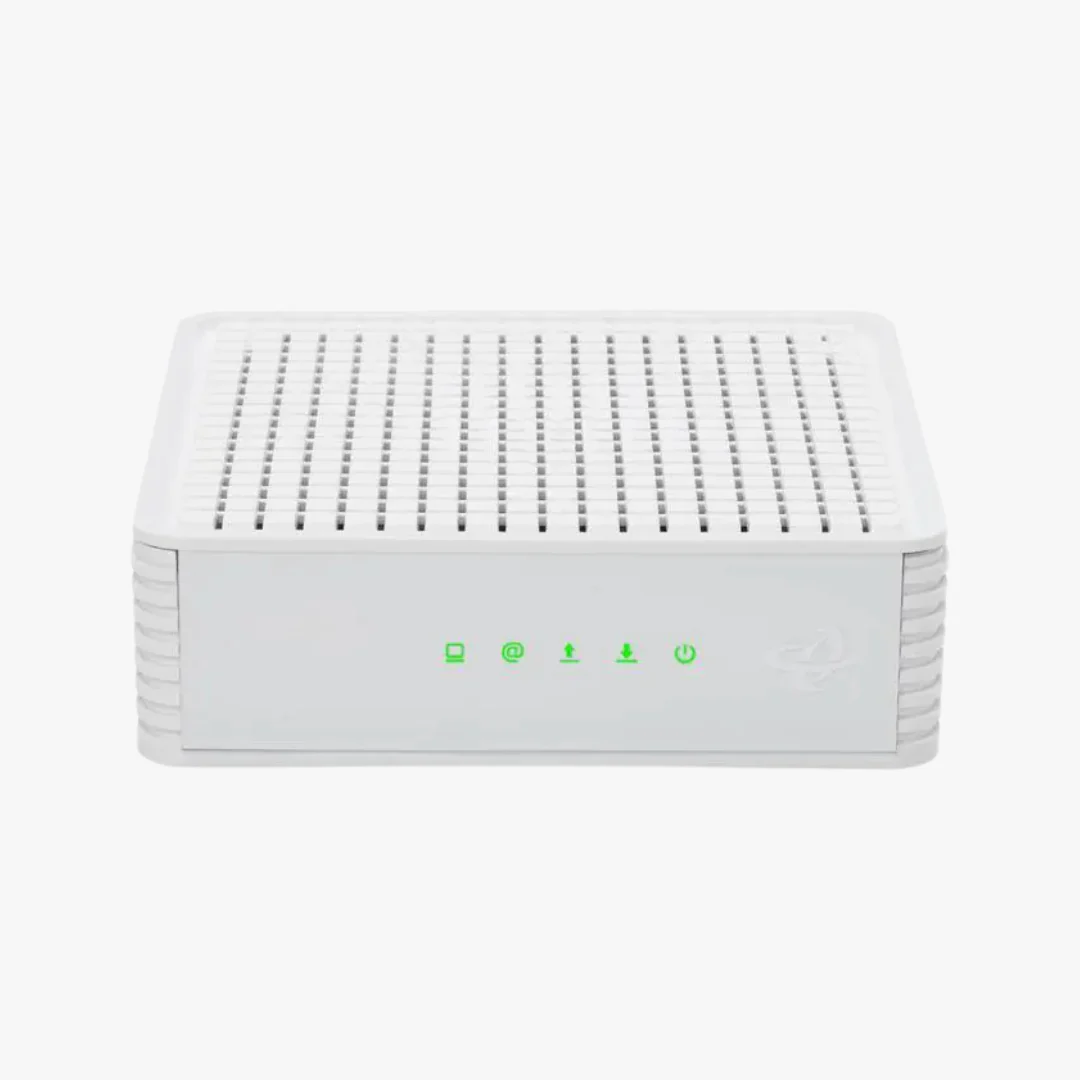
Hitron CODA DOCSIS 3.1 Cable Modem | 1 Gbps | Xfinity, Spectrum, Cox
Hitron CODA DOCSIS 3.1 Cable Modem
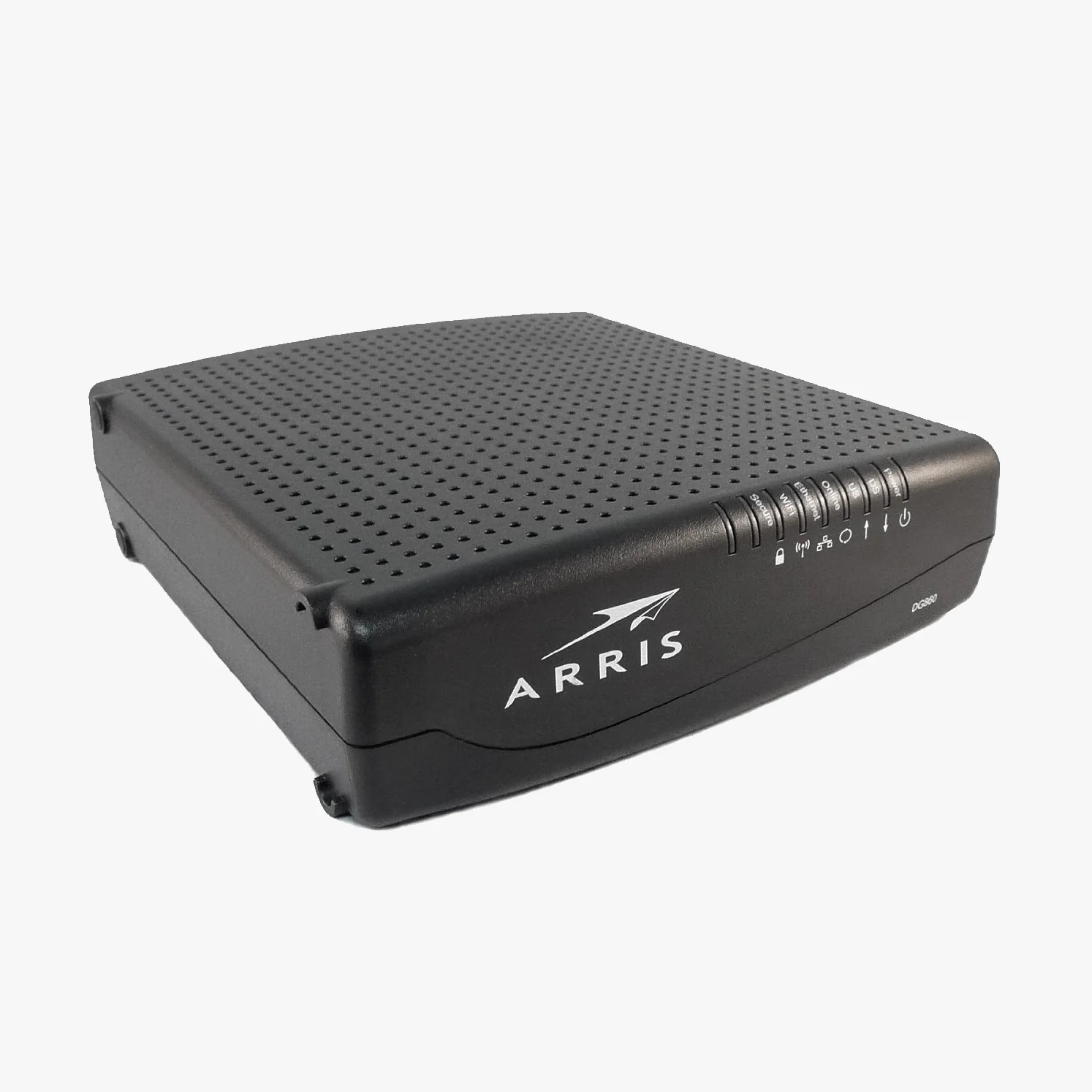
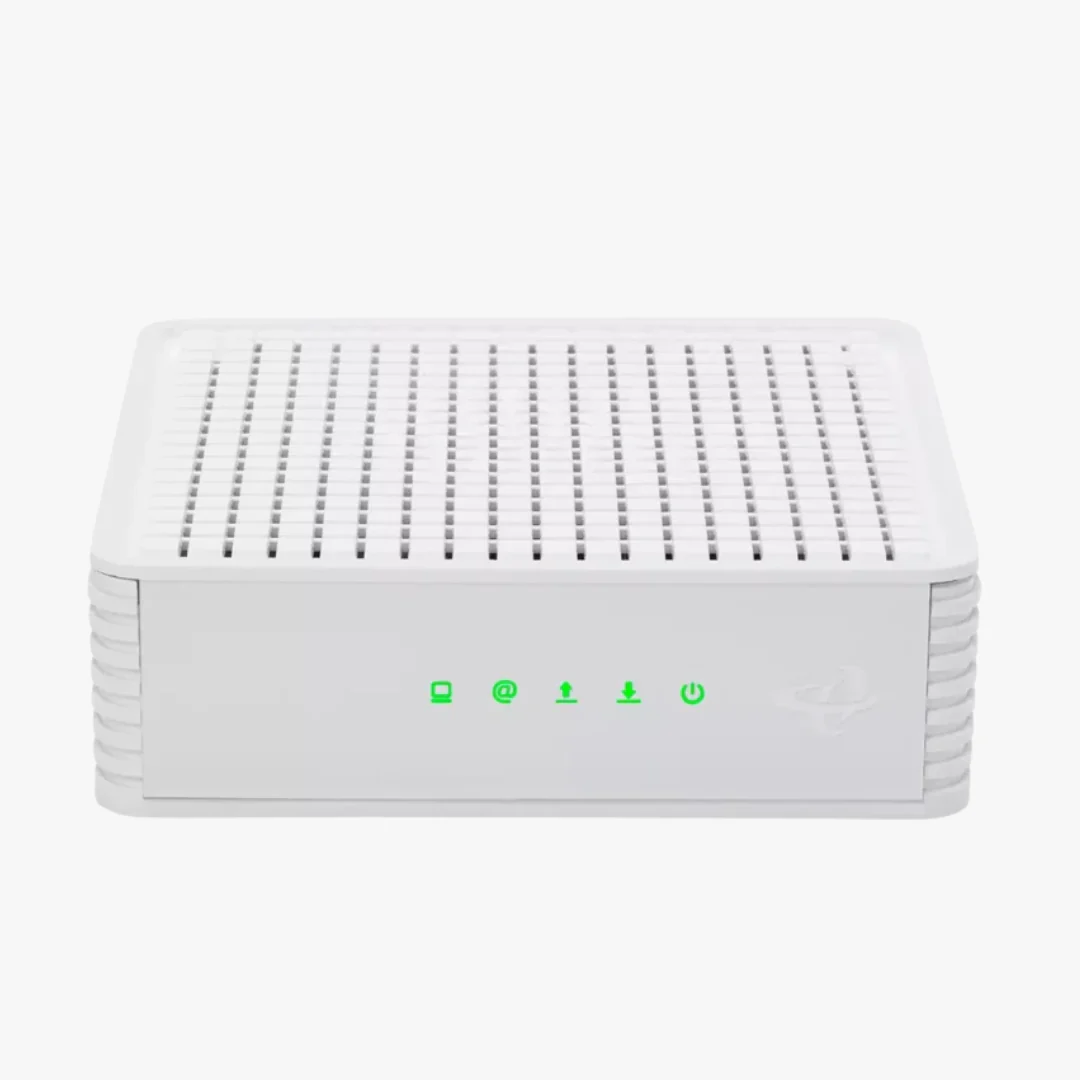
The Hitron CODA is a retail DOCSIS 3.1 cable modem built for U.S. households on Gigabit cable internet plans. It replaces the modem you currently rent from your provider and connects to your own WiFi router or mesh system to deliver wired Gigabit speeds across your home network.
What the Hitron CODA Does
The CODA is a standalone cable modem. It translates the signal coming through your coaxial wall jack into a wired Ethernet connection that you plug into a separate WiFi router. It does not broadcast WiFi on its own, does not support phone or voice service, and does not include any router features such as DHCP, parental controls, or guest networks. If you need wireless coverage for phones, laptops, smart TVs, or smart home devices, you will need to pair it with a router. For help selecting one, see our Best WiFi Routers for Gigabit Internet guide.
DOCSIS 3.1 Performance
DOCSIS 3.1 is the current cable internet standard and is significantly faster than the older DOCSIS 3.0 generation. The CODA uses 32x8 channel bonding (32 downstream and 8 upstream channels) along with 2x2 OFDM channels, which together provide higher throughput, reduced latency, and better stability than legacy DOCSIS 3.0 modems. This makes it well suited for 4K streaming, online gaming, video conferencing, and homes with many connected devices.
The CODA also includes advanced DOCSIS 3.1 security features that help protect your connection at the modem level.
ISP Compatibility
The Hitron CODA is certified or approved for the following cable internet providers:
- Comcast Xfinity (residential and business)
- Charter Spectrum
- Cox Communications (including Cox Gigablast)
- CableOne Sparklight
- Zito Media
- Cogeco Breezeline
It also works with Astound, Grande, RCN, and Wave. Always confirm your provider supports customer-owned modems before purchasing. For provider-specific setup help, see our Xfinity activation guide, Spectrum activation guide, or Cox activation guide.
The CODA is not compatible with Verizon Fios, AT&T Fiber, Google Fiber, CenturyLink, Frontier, or any other fiber, DSL, satellite, or 5G home internet service. Check your wall jack before purchasing. The CODA works only with the round coaxial cable that screws on at the end.
What You Need For Setup
- Active cable internet service with a supported provider
- A coaxial wall outlet
- A separate WiFi router or mesh system (a router with a 2.5 Gbps Ethernet port is recommended to avoid bottlenecks on higher plans)
- Your account information for activation through your ISP's app, website, or support line
Xfinity customers can self-activate through the Xfinity app without scheduling a service call. Most other major cable providers also offer app or online activation.
Setup Steps
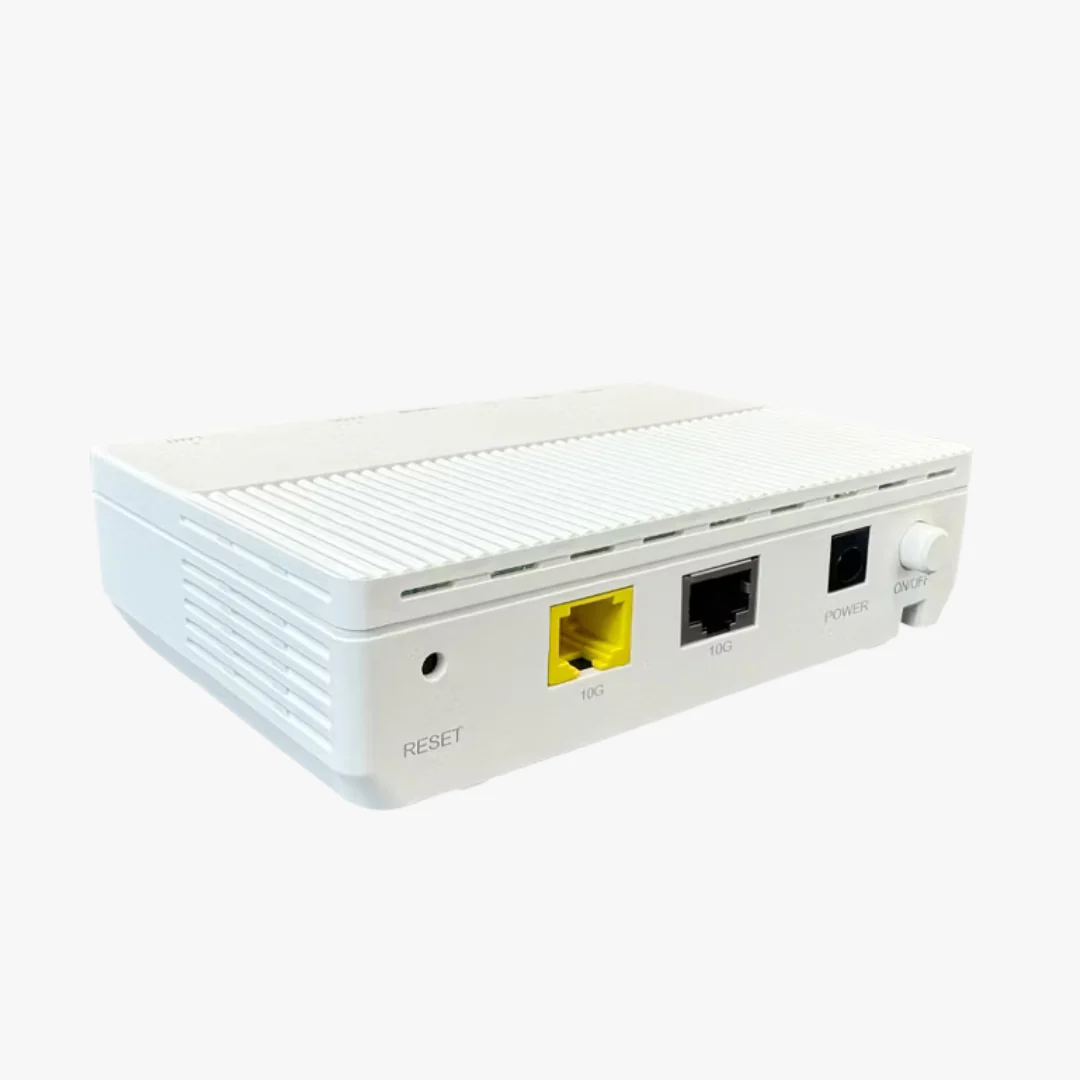
- Connect the coaxial cable from your wall jack to the back of the CODA.
- Connect the power adapter and let the modem boot until the online indicator is solid.
- Connect an Ethernet cable from the CODA to the WAN or internet port on your router.
- Activate the modem using your ISP's app, website, or activation phone line.
Technical Specifications
| Brand | Hitron |
| Model | CODA |
| DOCSIS Version | DOCSIS 3.1 (backward compatible with DOCSIS 3.0) |
| Channel Bonding | 32 downstream by 8 upstream |
| OFDM Channels | 2x2 |
| Maximum Download Speed | Up to 1 Gbps |
| Maximum Upload Speed | Up to 350 Mbps |
| Ethernet Ports | 2 x Gigabit Ethernet |
| Coaxial Connector | F-type |
| Built-in WiFi | No |
| Voice Support | No |
| Connection Type | Coaxial cable internet only |
| Dimensions | 6.73 in L x 6.73 in W x 2.03 in H |
| Warranty | 1 year limited |
| Support | 7 days per week from Hitron |
In the Box
- Hitron CODA cable modem
- Power adapter
- Ethernet cable
- Quick start guide
A coaxial cable is typically already attached to your wall outlet. If you need one, see our cable modem accessories collection.
Save on Modem Rental Fees
Many cable providers continue to charge a monthly equipment rental fee for the modem they supply. Rental fees vary, and some providers have reduced or eliminated them, so check your current bill before purchasing. When a rental fee does apply, owning the CODA typically pays for itself within the first year.
Warranty and Support
The Hitron CODA is backed by a 1 year limited warranty and direct technical support from Hitron, available 7 days a week. Hitron has more than 30 years of experience designing modems for major North American internet service providers.
Frequently Asked Questions
Does the Hitron CODA have built-in WiFi?
No. The Hitron CODA is a modem only. It has no built-in WiFi, so you will need to connect it to a separate WiFi router or mesh system to use wireless devices.
Will the Hitron CODA work with fiber internet?
No. The CODA is a DOCSIS 3.1 cable modem and works only with coaxial cable internet service. It is not compatible with fiber providers like Verizon Fios, AT&T Fiber, or Google Fiber, and it will not work with DSL, satellite, or 5G home internet.
Is the Hitron CODA compatible with Xfinity?
Yes. The CODA is certified for Comcast Xfinity and Comcast Xfinity Business. Xfinity customers can self-activate the CODA through the Xfinity app without scheduling a technician visit.
Does the Hitron CODA work with Spectrum and Cox?
Yes. The CODA is certified for Charter Spectrum and for Cox Communications, including Cox Gigablast plans. It is also approved for CableOne Sparklight and Zito Media, and it works with Astound, Grande, RCN, and Wave.
What internet speeds does the Hitron CODA support?
The CODA supports cable internet plans up to 1 Gbps download. If your plan is faster than 1 Gbps, consider the Hitron CODA56, which supports plans up to 2.5 Gbps.
Does the Hitron CODA support phone or voice service?
No. The CODA does not include telephone ports and does not support voice or VoIP service from your cable provider.
How do I activate the Hitron CODA?
After connecting the coaxial cable, power, and an Ethernet cable to your router, contact your internet provider for activation. Many providers, including Xfinity, allow self-activation through their mobile app, so a service call is usually not required.
What is the warranty on the Hitron CODA?
The Hitron CODA comes with a 1 year limited warranty and access to Hitron technical support 7 days a week.
Original: $109.00
-65%$109.00
$38.15Product Information
Product Information
Shipping & Returns
Shipping & Returns
Description
Hitron CODA DOCSIS 3.1 Cable Modem
The Hitron CODA is a retail DOCSIS 3.1 cable modem built for U.S. households on Gigabit cable internet plans. It replaces the modem you currently rent from your provider and connects to your own WiFi router or mesh system to deliver wired Gigabit speeds across your home network.
What the Hitron CODA Does
The CODA is a standalone cable modem. It translates the signal coming through your coaxial wall jack into a wired Ethernet connection that you plug into a separate WiFi router. It does not broadcast WiFi on its own, does not support phone or voice service, and does not include any router features such as DHCP, parental controls, or guest networks. If you need wireless coverage for phones, laptops, smart TVs, or smart home devices, you will need to pair it with a router. For help selecting one, see our Best WiFi Routers for Gigabit Internet guide.
DOCSIS 3.1 Performance
DOCSIS 3.1 is the current cable internet standard and is significantly faster than the older DOCSIS 3.0 generation. The CODA uses 32x8 channel bonding (32 downstream and 8 upstream channels) along with 2x2 OFDM channels, which together provide higher throughput, reduced latency, and better stability than legacy DOCSIS 3.0 modems. This makes it well suited for 4K streaming, online gaming, video conferencing, and homes with many connected devices.
The CODA also includes advanced DOCSIS 3.1 security features that help protect your connection at the modem level.
ISP Compatibility
The Hitron CODA is certified or approved for the following cable internet providers:
- Comcast Xfinity (residential and business)
- Charter Spectrum
- Cox Communications (including Cox Gigablast)
- CableOne Sparklight
- Zito Media
- Cogeco Breezeline
It also works with Astound, Grande, RCN, and Wave. Always confirm your provider supports customer-owned modems before purchasing. For provider-specific setup help, see our Xfinity activation guide, Spectrum activation guide, or Cox activation guide.
The CODA is not compatible with Verizon Fios, AT&T Fiber, Google Fiber, CenturyLink, Frontier, or any other fiber, DSL, satellite, or 5G home internet service. Check your wall jack before purchasing. The CODA works only with the round coaxial cable that screws on at the end.
What You Need For Setup
- Active cable internet service with a supported provider
- A coaxial wall outlet
- A separate WiFi router or mesh system (a router with a 2.5 Gbps Ethernet port is recommended to avoid bottlenecks on higher plans)
- Your account information for activation through your ISP's app, website, or support line
Xfinity customers can self-activate through the Xfinity app without scheduling a service call. Most other major cable providers also offer app or online activation.
Setup Steps
- Connect the coaxial cable from your wall jack to the back of the CODA.
- Connect the power adapter and let the modem boot until the online indicator is solid.
- Connect an Ethernet cable from the CODA to the WAN or internet port on your router.
- Activate the modem using your ISP's app, website, or activation phone line.
Technical Specifications
| Brand | Hitron |
| Model | CODA |
| DOCSIS Version | DOCSIS 3.1 (backward compatible with DOCSIS 3.0) |
| Channel Bonding | 32 downstream by 8 upstream |
| OFDM Channels | 2x2 |
| Maximum Download Speed | Up to 1 Gbps |
| Maximum Upload Speed | Up to 350 Mbps |
| Ethernet Ports | 2 x Gigabit Ethernet |
| Coaxial Connector | F-type |
| Built-in WiFi | No |
| Voice Support | No |
| Connection Type | Coaxial cable internet only |
| Dimensions | 6.73 in L x 6.73 in W x 2.03 in H |
| Warranty | 1 year limited |
| Support | 7 days per week from Hitron |
In the Box
- Hitron CODA cable modem
- Power adapter
- Ethernet cable
- Quick start guide
A coaxial cable is typically already attached to your wall outlet. If you need one, see our cable modem accessories collection.
Save on Modem Rental Fees
Many cable providers continue to charge a monthly equipment rental fee for the modem they supply. Rental fees vary, and some providers have reduced or eliminated them, so check your current bill before purchasing. When a rental fee does apply, owning the CODA typically pays for itself within the first year.
Warranty and Support
The Hitron CODA is backed by a 1 year limited warranty and direct technical support from Hitron, available 7 days a week. Hitron has more than 30 years of experience designing modems for major North American internet service providers.
Frequently Asked Questions
Does the Hitron CODA have built-in WiFi?
No. The Hitron CODA is a modem only. It has no built-in WiFi, so you will need to connect it to a separate WiFi router or mesh system to use wireless devices.
Will the Hitron CODA work with fiber internet?
No. The CODA is a DOCSIS 3.1 cable modem and works only with coaxial cable internet service. It is not compatible with fiber providers like Verizon Fios, AT&T Fiber, or Google Fiber, and it will not work with DSL, satellite, or 5G home internet.
Is the Hitron CODA compatible with Xfinity?
Yes. The CODA is certified for Comcast Xfinity and Comcast Xfinity Business. Xfinity customers can self-activate the CODA through the Xfinity app without scheduling a technician visit.
Does the Hitron CODA work with Spectrum and Cox?
Yes. The CODA is certified for Charter Spectrum and for Cox Communications, including Cox Gigablast plans. It is also approved for CableOne Sparklight and Zito Media, and it works with Astound, Grande, RCN, and Wave.
What internet speeds does the Hitron CODA support?
The CODA supports cable internet plans up to 1 Gbps download. If your plan is faster than 1 Gbps, consider the Hitron CODA56, which supports plans up to 2.5 Gbps.
Does the Hitron CODA support phone or voice service?
No. The CODA does not include telephone ports and does not support voice or VoIP service from your cable provider.
How do I activate the Hitron CODA?
After connecting the coaxial cable, power, and an Ethernet cable to your router, contact your internet provider for activation. Many providers, including Xfinity, allow self-activation through their mobile app, so a service call is usually not required.
What is the warranty on the Hitron CODA?
The Hitron CODA comes with a 1 year limited warranty and access to Hitron technical support 7 days a week.